In October 2026, PingCAP, the company behind the TiDB database and its cloud service, disclosed that an unauthorized party had used stolen service account credentials to get into internal systems, copy data and obtain source code. Social media quickly turned that into “the entire database of every customer was stolen.” That is not what the company has confirmed, and the difference matters for how you respond.
This post separates what is confirmed from what is claimed, then covers the part that applies to any business with vendors and a help desk: the information your own people hand over in support tickets.
What PingCAP has confirmed
According to PingCAP’s own security update published October 19, 2026:
- Between September 9 and October 7, an attacker used stolen service account credentials to access internal systems.
- Exported records included TiDB Cloud user names and email addresses, organization and project details, SQL editor text and errors, and billing and contract information.
- An exported table contained encrypted API key values. The investigators’ test of one value found it could not be used directly as an API key.
- PingCAP says there is no evidence that data stored inside customers’ TiDB databases was impacted.
- All identified compromised credentials were invalidated by October 14, and the company is still working out which customers were affected.
What is claimed but not verified
The group claiming responsibility has made much larger claims, including data volumes and live third-party secrets found in support-ticket attachments. PingCAP states those claims about credentials in support materials have not been verified. Treat the viral numbers as unconfirmed until the company or independent investigators say otherwise.
Why this matters even if you have never used TiDB
Strip away the vendor name and the pattern is common:
- A service account was the way in. Service accounts rarely have a person attached, rarely use MFA, and are rarely rotated. When one is stolen, nothing looks like a login.
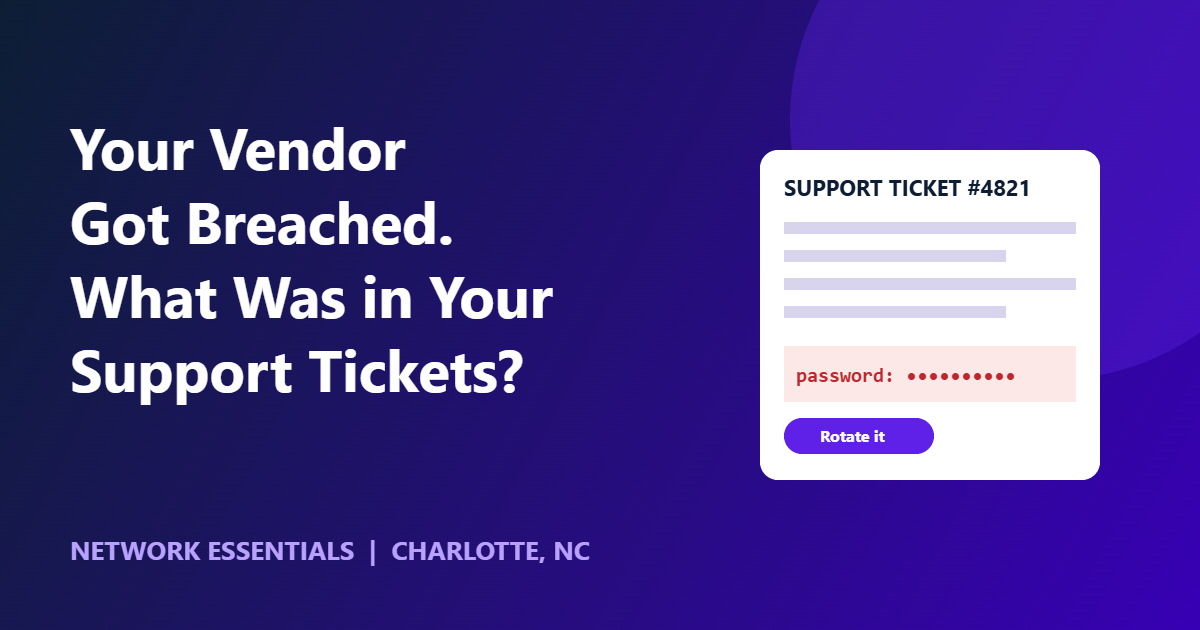
- Support systems hold more than people think. Customers paste error logs, connection strings, screenshots and sometimes passwords into tickets to get help faster. Those tickets then sit in a vendor’s system, and in yours.
- Your risk depends on your vendor’s hygiene and your own habits. You cannot fix the vendor’s controls. You can control what you send them.
A support-ticket and vendor-risk checklist
Run this against your own environment:
- Ticket content rule. Staff never paste passwords, API keys, tokens or full connection strings into tickets or chat. Share them through a secrets manager or a one-time link, and rotate them afterward.
- Search your own history. Search your ticketing system and shared inboxes for strings like “password”, “secret”, “api key” and “token”. Rotate anything you find.
- Service account inventory. List every non-human account. Document an owner, the permissions it holds and the last time its credentials changed.
- Least privilege between systems. A credential for one project should not reach another. PingCAP’s own response included removing excessive permissions between cloud projects.
- Rotation on a schedule, and on any vendor incident. When a vendor discloses a breach, rotate API keys and passwords you have ever shared with them without waiting for a personal notice.
- Alerting on large exports. Unusual bulk data movement should raise an alert. PingCAP lists alerts for large exports among its improvements.
- Vendor questions. Ask each critical vendor how they store support attachments, how long they retain them and how they detect abnormal access to their own cloud storage.
What to do this week if you are a TiDB Cloud customer
Follow PingCAP’s guidance and watch for a direct notice. As a precaution, rotate console API keys and database passwords, and rotate any secret that was ever pasted into a support ticket.
Where a security-first IT partner fits
Controls like these only work when someone owns them. In a security-first managed IT engagement, credential hygiene, account inventory and vendor review are part of the foundation rather than an add-on. If you want an outside read on where your own exposure is, start with our cybersecurity services and a cyber risk assessment.
Network Essentials provides fully managed and co-managed IT and cybersecurity for businesses of roughly 10 to 300 employees across the Charlotte metro. Managed IT engagements start at $2,000 per month.
Frequently asked questions
Did PingCAP’s customer databases get stolen?
PingCAP reports no evidence that data stored in TiDB was impacted. It did confirm that internal records, including account details and billing information, were exported by an attacker.
How did the PingCAP attacker get in?
PingCAP says the attacker used stolen service account credentials.
Should I put passwords in support tickets?
No. Use a secrets manager or a one-time sharing link, and rotate the credential after the issue is resolved.
What should I do when a vendor discloses a breach?
Rotate any API keys, passwords and tokens shared with that vendor, review which accounts and permissions they hold in your environment, and watch for their customer notification.
What is a service account and why is it risky?
A service account is a non-human login used by software or integrations. It often has broad access, no MFA and an old password, so a stolen one can be used without triggering normal sign-in alerts.