Every business in Charlotte relies on data to operate. Whether you run a law firm, a medical practice, or a manufacturing company, losing access to critical files can stop operations for hours or days. The choice between cloud backup vs on-premise backup is one of the most important technology decisions you will make. Both methods protect against data loss, but they work differently in terms of cost, speed, control, and security. Understanding those differences helps you pick the right approach for your organization.
How Cloud Backup and On-Premise Backup Work
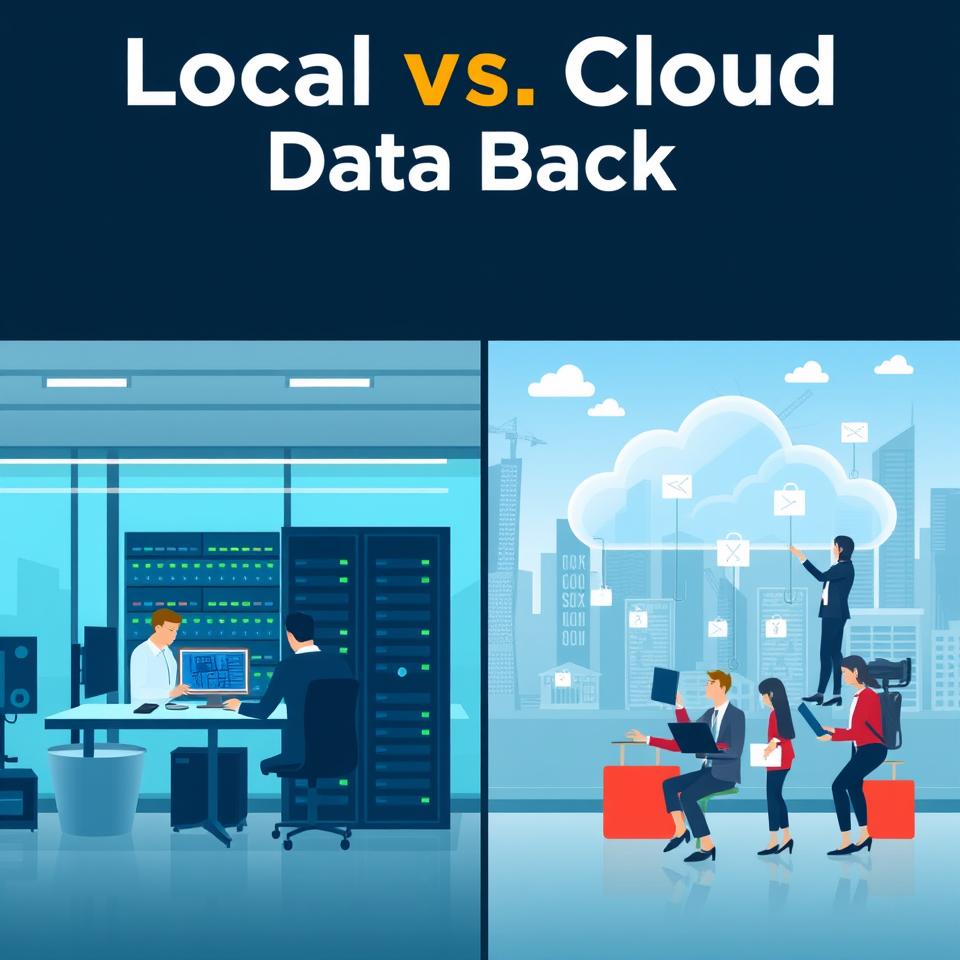
Cloud backup sends copies of your data over the internet to remote servers managed by a third-party provider. You pay a subscription fee and access your data from anywhere. On-premise backup stores copies on hardware located in your office, such as external drives, tape libraries, or network-attached storage. You own and maintain that equipment. The core difference comes down to location: data stays local with on-premise, while cloud data lives off-site in a provider data center.
Cost Comparison: Upfront Investment vs Ongoing Fees
Cost is often the first factor businesses weigh. Cloud backup eliminates the need for on-site hardware and upfront capital expenses. You pay a predictable monthly or annual subscription fee. For example, for 200 TB of data with a 12-month retention period, cloud backup costs between $50,000 and $100,000 per year. On-premise backup requires a significant upfront capital investment. That same 200 TB configuration would cost $200,000 to $300,000 in hardware and software, then $20,000 to $30,000 each year for maintenance and support.
Over several years, the math can shift. If you hold data for many years, the capital cost of on-premise hardware may become cheaper than continuing cloud subscription fees. But the initial cash outlay for on-premise is much larger, which can be difficult for small and medium-sized businesses in Charlotte that need to preserve cash for other priorities.
Recovery Speed: Local Speed vs Network Latency
When a system fails, every minute of downtime costs money. On-premise backup offers faster data recovery times because the data sits on local hardware. Restoration can happen in seconds to minutes. Cloud backup is slower due to network latency and download limits. Restoring 100 TB from the cloud can take 48 to 72 hours. Additionally, recovering 50 TB from cloud backup incurs approximately $5,000 in egress fees, which are charges for moving data out of the cloud provider’s network.
For Charlotte businesses that need to get back online quickly after a failure, the speed advantage of on-premise backup is a strong argument. However, if your recovery time goals are less strict, cloud backup may still meet your needs without the hardware expense.

Scalability: Growing Without Buying New Hardware
Cloud backup is highly scalable. You can increase storage capacity on demand without purchasing any equipment. If your business adds new servers or expands to a second location, you simply adjust your cloud plan. On-premise backup requires planning and investment for additional hardware when you need to scale. You must buy new drives, enclosures, or tape systems, and then integrate them into your existing backup infrastructure.
For growing companies in Charlotte, the flexibility of cloud backup can save time and reduce the risk of running out of storage. For organizations with stable data volumes, on-premise provides predictability.
Security and Compliance Considerations
Data security and regulatory compliance are critical for Charlotte businesses in healthcare, finance, and legal sectors. On-premise backup gives you complete control over backup policies and data access. You decide where data is stored, who can access it, and what security measures are in place. Cloud backup, on the other hand, can provide better security for small to medium-sized businesses that lack a dedicated cybersecurity expert. Cloud providers often invest heavily in encryption, access controls, and monitoring.
However, cloud backup may involve storing data in unknown or foreign jurisdictions. Regulations such as GDPR and data sovereignty requirements can make cloud backup infeasible for some organizations. If your business must keep all data within U.S. borders or within specific states, you need to verify where your cloud provider stores your backups. Charlotte businesses in regulated industries should check whether their provider offers guaranteed data residency.

Disaster Recovery: Protecting Against Local Events
A fire, flood, or power outage at your office can destroy on-premise backup hardware along with your primary systems. Cloud backup protects your data from local disasters because the data is stored off-site in a separate data center. On-premise backup is vulnerable to the same local threats unless you maintain a physical off-site copy, which adds complexity and cost.
For businesses in Charlotte, where storms and occasional flooding are concerns, having an off-site copy through cloud backup adds a layer of protection. On-premise backup alone leaves you exposed if your entire building becomes inaccessible.
Maintenance and Management Burden
Cloud backup requires no hardware maintenance. The provider handles updates, patches, and infrastructure management. You simply monitor backups through a web portal. On-premise backup requires you to manage, update, and repair hardware. That means staff time spent on tape rotations, drive replacements, software upgrades, and testing restores. For small businesses without an internal IT team, the maintenance burden of on-premise backup can be a hidden cost.
If your Charlotte business already works with a managed IT services provider, they can manage an on-premise backup system for you. But if you handle IT yourself, the simplicity of cloud backup may be worth the recurring fee.
Hybrid Backup: Combining the Best of Both
Many businesses do not have to choose exclusively between cloud and on-premise. A hybrid backup approach uses both local and cloud storage. You maintain a local backup for fast recovery and a cloud copy for off-site protection. This setup provides an extra layer of protection and aligns with the common recommendation to keep at least one backup off-site.
Hybrid backup gives you fast local recovery for common failures while protecting against total site loss through the cloud copy. The trade-off is higher total cost because you pay for both local hardware and a cloud subscription. For Charlotte businesses that can afford the investment, hybrid backup often delivers the best balance of speed and security.

Choosing the Right Approach for Your Charlotte Business
There is no one-size-fits-all answer in the cloud backup vs on-premise backup decision. Your choice depends on data volume, recovery speed requirements, budget, compliance needs, and internal IT expertise. If you need the fastest recovery and have the capital for hardware, on-premise backup is a strong option. If you prefer predictable monthly costs and off-site protection, cloud backup fits better. If you want both speed and safety, a hybrid approach may be the smartest path.
Working with a local Charlotte managed IT services provider can help you evaluate your specific situation. They can assess your data growth, test recovery times, and recommend a backup strategy that matches your risk tolerance and budget.
Frequently Asked Questions
Is cloud backup cheaper than on-premise backup?
Cloud backup typically has lower upfront costs because you avoid buying hardware and software. Monthly subscription fees replace large capital investments. However, for very large data volumes kept for many years, on-premise backup can become cheaper due to lower ongoing marginal costs after the initial hardware purchase. Your specific data size and retention period determine which is more cost-effective.
How fast can I recover data from cloud backup?
Cloud recovery speed is limited by your internet connection and the provider’s network. Restoring large amounts of data can take hours or days. For example, recovering 100 TB from the cloud can take 48 to 72 hours. On-premise backup can restore data in seconds to minutes because the data is stored locally. If fast recovery is critical, consider a hybrid solution with a local copy.
Do I need a hybrid backup solution?
A hybrid backup combines local storage for fast recovery and cloud storage for off-site protection. This approach is ideal for businesses that cannot afford extended downtime and also want protection against local disasters like fire or flood. If your recovery time goals are strict and your data is critical, a hybrid solution provides the best of both worlds.
Can cloud backup meet compliance requirements for Charlotte businesses?
Cloud backup can meet many compliance requirements if the provider offers encryption, access controls, and data residency guarantees. However, regulations like GDPR and other data sovereignty laws may require data to stay within specific geographic boundaries. Charlotte businesses in healthcare, finance, or legal sectors should verify that their cloud provider stores backups in approved locations and provides necessary compliance documentation.
Making the right backup choice takes careful thought. Evaluate your recovery needs, budget, and regulatory obligations before committing to one approach. A conversation with an experienced IT partner can help you design a backup strategy that keeps your Charlotte business running smoothly, even when unexpected events occur.